How to Check a Digital Solicitor Signature
How to Check a Digital Solicitor Signature
Understanding digital solicitor signatures on electronic documents helps you know what verification is possible. This guide explains what you can check yourself, what only the FCDO can verify, and why solicitor signature verification works differently than general document verification.
Key points:
- Adobe Acrobat Reader shows if a document contains a valid electronic signature
- Only the FCDO can verify the signer is an approved solicitor for e-apostilles
- The FCDO maintains a private database of verified solicitor signatures

Everything You Need for a Fast Legalisation Service
Your e-Apostille is issued directly by the UK Foreign, Commonwealth & Development Office (FCDO). Our team will verify the document and organise valid electronic solicitor certification to avoid delays.
Understanding Digital Solicitor Signatures
Example Placeholder for H2 Understanding When Solicitor Certification Is Needed
Digital solicitor signatures on documents prepared for the e-Apostille should use Advanced Electronic Signatures (AES) or Qualified Electronic Signatures (QES) that meet FCDO technical requirements. These signatures certify that a solicitor has verified the underlying document before the FCDO can issue the e-Apostille.
The critical distinction is between checking that a signature exists and is technically valid versus verifying that the signature comes from a solicitor whose credentials are approved by the FCDO for e-Apostille purposes. You may be able to check the former yourself using Adobe Acrobat Reader. Only the FCDO can verify the latter. Our solicitors do have FCDO recognised electronic signatures.
What You Can Check with Adobe Acrobat Reader
What You Can Check with Adobe Acrobat Reader
Opening a document in Adobe Acrobat Reader allows you to see technical signature information, though this provides limited assurance about the signature’s validity for e-Apostille purposes.
Open the document in Adobe Acrobat Reader. Use the full desktop version rather than browser PDF viewers, as browsers don’t show signature validation information. Adobe Acrobat Reader is free to download from Adobe’s official website.
Look for signature indicators. Documents with electronic signatures typically show a banner at the top or a signature panel on the side. These indicators confirm the document contains one or more digital signatures.
Check signature validity. Click on the signature panel to view details. A green checkmark or “Signature is valid” message indicates the signature is technically intact and the document hasn’t been modified since signing. This confirms document integrity but not necesarilly the capacity in which a document has been signed.
View signer information. The signature properties show who claims to have signed the document, when it was signed, and technical details about the signature certificate. However, this information alone doesn’t confirm the signer is an FCDO-approved solicitor.
Why You Cannot Fully Verify Solicitor Signatures
Why You Cannot Fully Verify Solicitor Signatures
Complete verification of solicitor electronic signatures requires access to the FCDO’s private database, which is intentionally restricted to protect security and prevent fraud.
The FCDO’s verification process checks that the electronic signature matches registered specimens from approved solicitors, confirms the solicitor’s practicing certificate is current, and verifies the signature was applied appropriately according to FCDO requirements. This verification happens internally during e-Apostille processing and is not available to the public.
Even if a signature appears valid in Adobe Acrobat Reader, the FCDO might reject it if the solicitor is not registered, their registration has lapsed, or the signature doesn’t match their registered specimen.
This is why attempting to verify solicitor signatures yourself before submission provides limited value. You can confirm a signature exists and the document hasn’t been modified, but you cannot confirm the signature will be accepted for e-Apostille purposes unless you know for certain the solicitor who is adding the electronic certification is already registered with the FCDO.
What Successful e-Apostille Issuance Confirms
What Successful e-Apostille Issuance Confirms
When an e-Apostille is successfully issued for a document, this confirms the FCDO verified and accepted the solicitor’s electronic signature. The e-Apostille itself becomes evidence that signature verification occurred successfully.
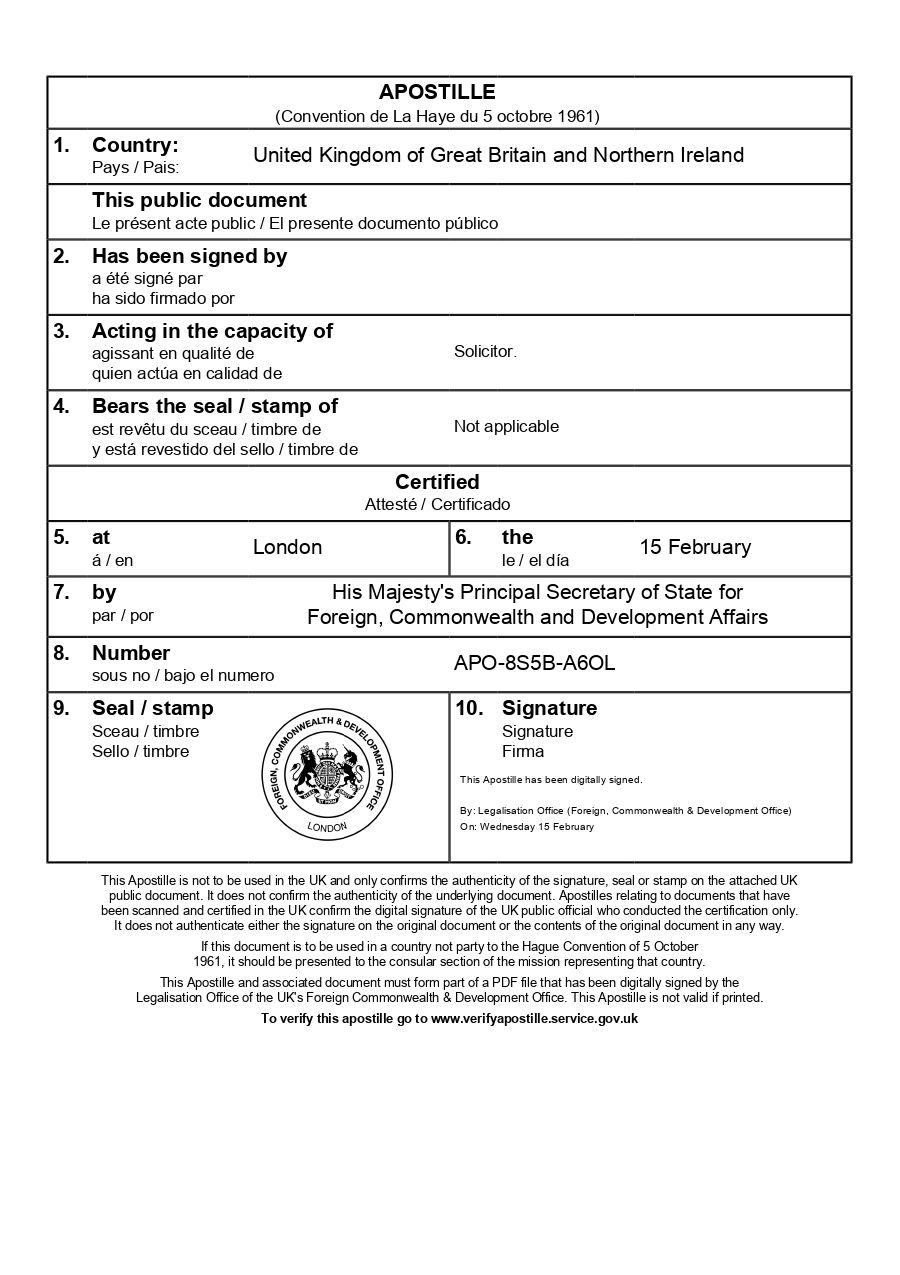
You can verify the issued e-apostille at www.verifyapostille.service.gov.uk, which shows the solicitor’s name and confirms they certified the underlying document. This verification proves the solicitor’s signature was accepted by the FCDO and the certification is legitimate.
This is why e-Apostille verification is the reliable method for confirming solicitor signature validity rather than attempting to verify signatures independently before submission. The FCDO’s acceptance and issuance of the e-Apostille provides definitive confirmation that all signature requirements were met.
How The e-Apostille Process Works
The process is simple. Follow the steps below and we will arrange the e-apostille for you.