How to Verify Electronic Solicitor Certification
How to Verify Electronic Solicitor Certification
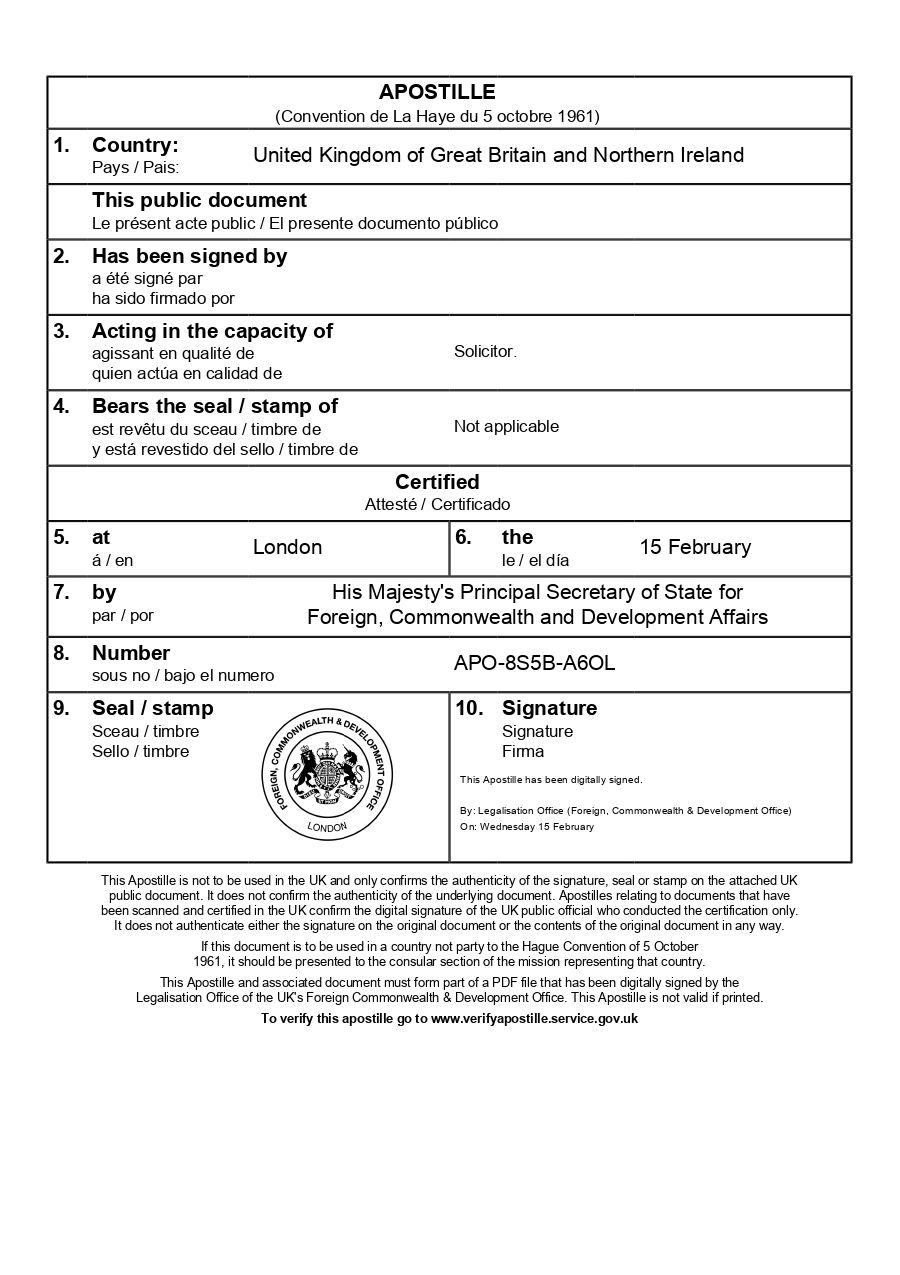
Understanding the verification of electronic solicitor signatures is important when obtaining a UK e-Apostille. This guide explains what verification means, who performs it, and what you can check independently before submitting your document.
Key points:
- The FCDO is the only authority that can fully verify electronic solicitor certification
- Solicitors must register their electronic signatures directly with the FCDO
- You can perform basic visual checks on your PDF before submission
- Most verification happens behind the scenes during FCDO processing
Everything You Need for a Fast Legalisation Service
Your e-Apostille is issued directly by the UK Foreign, Commonwealth & Development Office (FCDO). Our team will verify the document and organise valid electronic solicitor certification to avoid delays.
Understanding Electronic Signature Verification
Understanding Electronic Signature Verification
Electronic solicitor certification for e-Apostilles uses Advanced or Qualified Electronic Signatures that are registered with the FCDO. Unlike traditional wet-ink signatures, these digital signatures rely on secure cryptographic verification. The FCDO keep records of verified electronic signatures on their private database. While you cannot fully verify a solicitor’s electronic signature yourself, you can perform basic checks to ensure your document appears properly prepared before submission.
Who Can Verify Electronic Signatures for the e-Apostille?
Only the Foreign, Commonwealth and Development Office has access to the secure database of registered solicitor electronic signatures. When solicitors register with the FCDO, they submit specimen signatures that are stored privately and used to verify documents during e-Apostille processing.
What You Can Check Yourself?
You can perform basic visual checks using Adobe Acrobat Reader to confirm your document contains a digital signature and appears technically valid. However, this does not guarantee the signature is registered with the FCDO.
Why These Rules Exist?
The FCDO’s verification system relies on private databases that protect solicitor signature specimens from public access. This security measure prevents fraud but means neither customers nor apostille service providers like us can confirm acceptance before submission unless we already know the solicitor has a verified electronic signature.
What Electronic Solicitor Certification Actually Means
What Electronic Solicitor Certification Actually Means
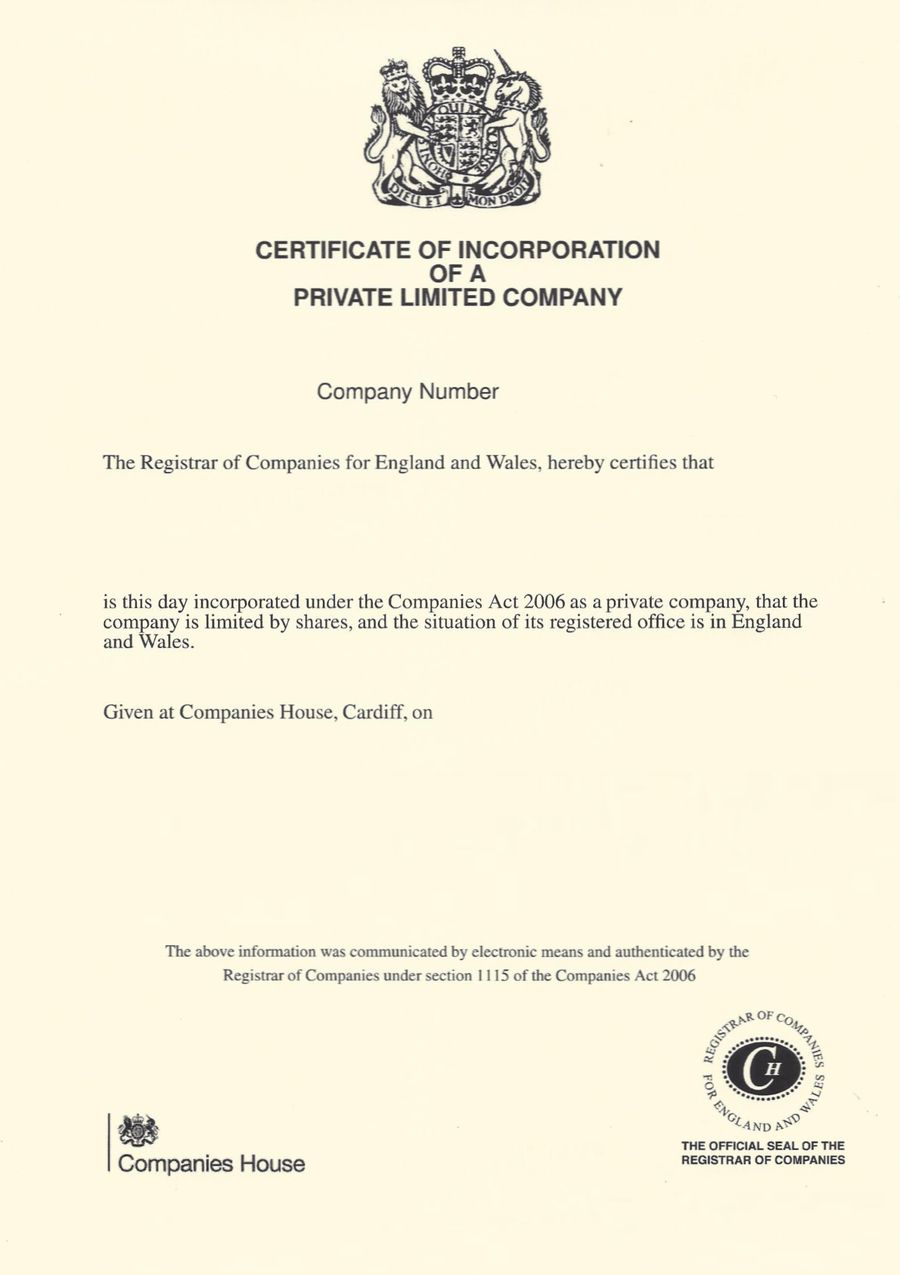
Electronic solicitor certification for e-Apostilles requires a solicitor to apply an Advanced Electronic Signature (AES) or Qualified Electronic Signature (QES) to your document. This digital signature is added alongside the statements the solicitor chooses to use when certifying your document.
The signature must come from a solicitor or notary public whose electronic signature is registered with the Foreign, Commonwealth and Development Office. This registration is separate from their standard practising certificate and must be completed specifically for e-Apostille purposes.
Unlike traditional wet-ink signatures that can be visually compared against specimen records, electronic signatures rely on cryptographic verification. The FCDO maintain a secure, private database of electronic signature specimens that they have previously verified.
Basic Checks You Can Perform Before Submission
While you cannot fully verify electronic certification yourself, you can perform several basic checks to ensure your document appears properly signed.
Why Electronic Signature Verification Sometimes Fails
Why Electronic Signature Verification Sometimes Fails
The most common rejection notice from the FCDO is “signature not valid.” This can happen for several reasons, some of which are not actually related to problems with the signature itself.
An unregistered electronic signature is the primary cause of legitimate rejections. If the solicitor has not registered their electronic signature specimen with the FCDO the document will be rejected. The solicitor should then contact the FCDO to get their electronic signature registered. The solicitors we use are registered with the FCDO.
Technical issues also cause rejections. These can include software compatibility problems, conflicts with pre-existing digital signatures on the document, or system glitches during the FCDO upload process.
Interestingly, the FCDO rejection system is not always accurate. Service providers report that resubmitting the exact same document without any changes occasionally results in successful processing. This suggests some rejections are caused by temporary technical issues rather than genuine signature problems.