Sending an e-Apostille to Foreign Authorities
Sending an e-Apostille to Foreign Authorities
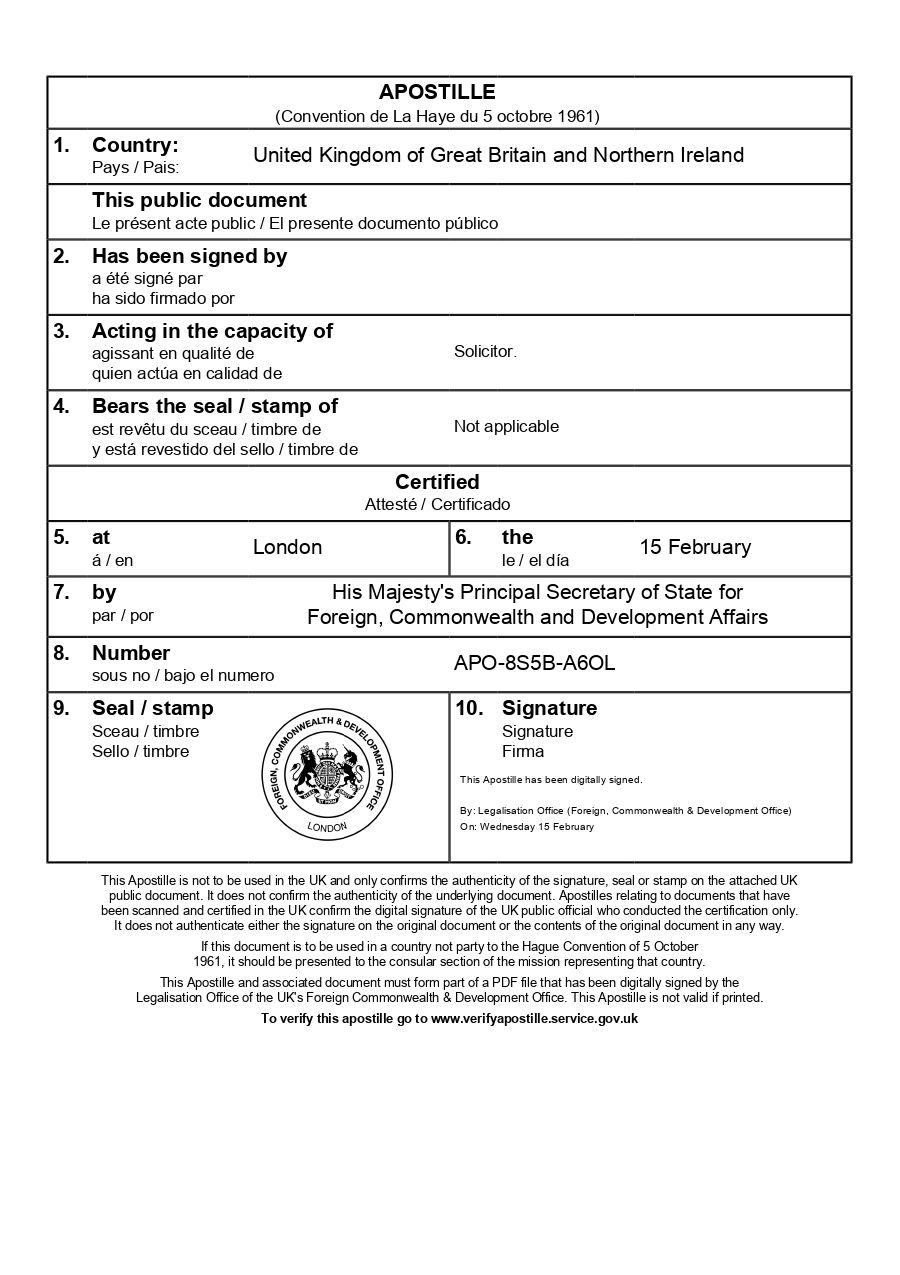
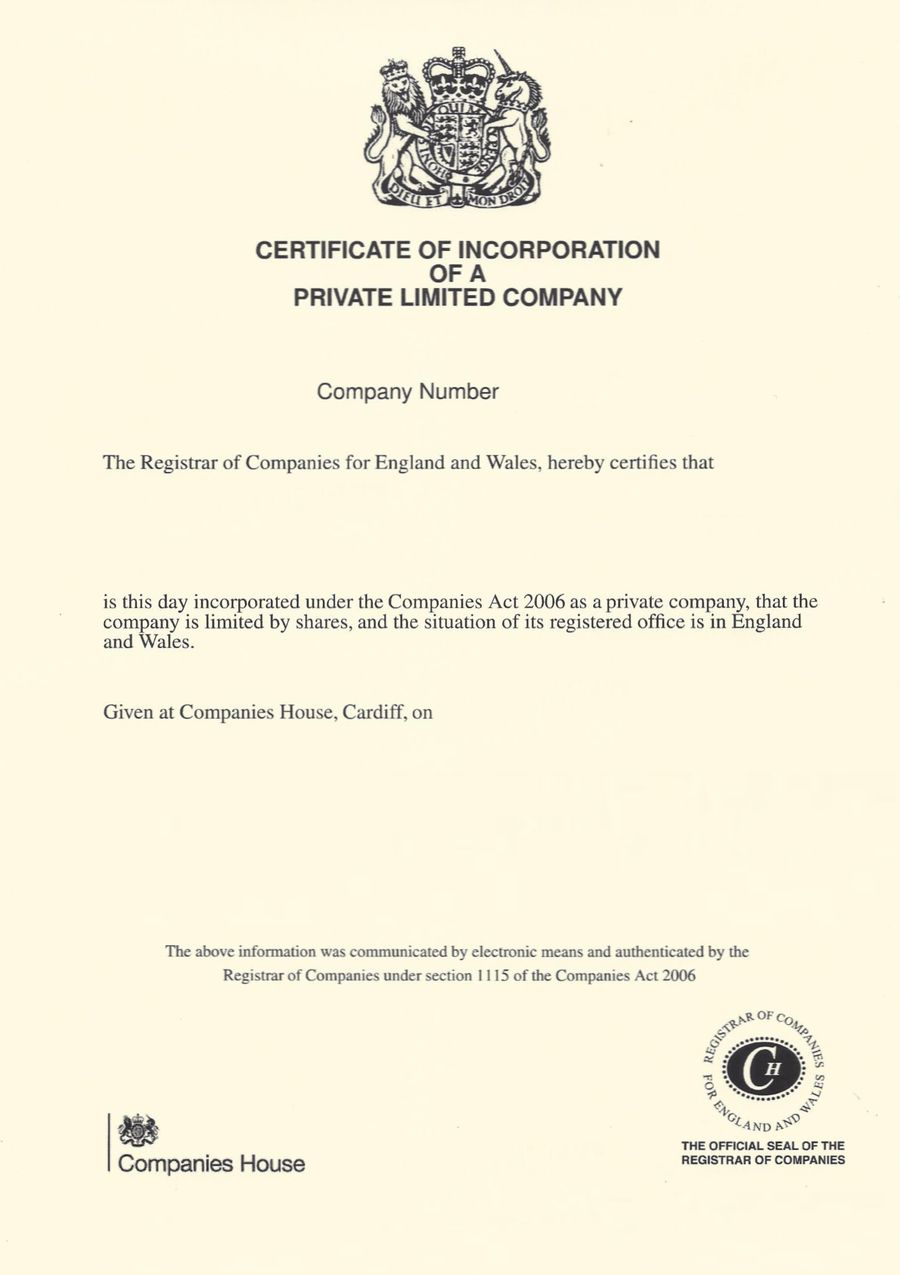
Once you receive your completed e-Apostille, you need to submit it to the foreign authority that requested it. This guide explains how to send e-Apostilles correctly, what format requirements to expect, and how to ensure your documents are accepted by employers, universities, and government agencies abroad.
Key points:
- How to submit e-Apostilles to foreign authorities
- Whether to send digitally or as printed copies
- Common submission methods and best practices

Everything You Need for a Fast Legalisation Service
Your e-Apostille is issued directly by the UK Foreign, Commonwealth & Development Office (FCDO). Our team will verify the document and organise valid electronic solicitor certification to avoid delays.
Understanding e-Apostille Submission Requirements
Understanding e-Apostille Submission Requirements
Different foreign authorities have different preferences for how they receive apostilled documents. The e-Apostille is designed to be provided electronically. Authorities overseas may accept your e-Apostille via email or may direct you to upload this via an online portal.
How to Send e-Apostilles Digitally
How to Send e-Apostilles Digitally
Digital submission is increasingly common and offers significant advantages in speed and convenience. Here’s how to submit e-Apostilles electronically to foreign authorities.
Check requirements first: Before applying for an e-Apostille, confirm with the receiving authority that they do accept e-Apostilles. Contact the specific department handling your application, i.e. the embassy consular section, university admissions office, company registry, or employer HR department, and ask whether they accept e-Apostilles. Some authorities may still prefer the traditional paper apostille.
Use secure email when appropriate: If the authority accepts email submission, send your e-Apostille as a PDF attachment. Use a clear subject line that references your application or case number, such as “E-Apostille Submission – Application Reference 12345.” In the email body, briefly explain what documents are attached and why you’re sending them. Keep the original PDF intact, don’t compress it excessively or convert it to other formats, as this can disrupt the digital signatures and verification features.
Submit through official portals: Many universities, immigration departments, and business registries now have online submission portals. Upload your e-apostille PDF through these systems following their instructions carefully. Portals often have file size limits (typically 5-10MB per file) and may require specific naming conventions.
Request confirmation of receipt: After sending digitally, follow up to confirm the authority received your documents and can access them properly. Some authorities send automatic confirmations, while others require you to check. Don’t assume receipt, verify it.
How The e-Apostille Process Works
The process is simple. Follow the steps below and we will arrange the e-apostille for you.