Can I Apostille a Scanned Document or PDF?
Can I Apostille a Scanned Document or PDF?
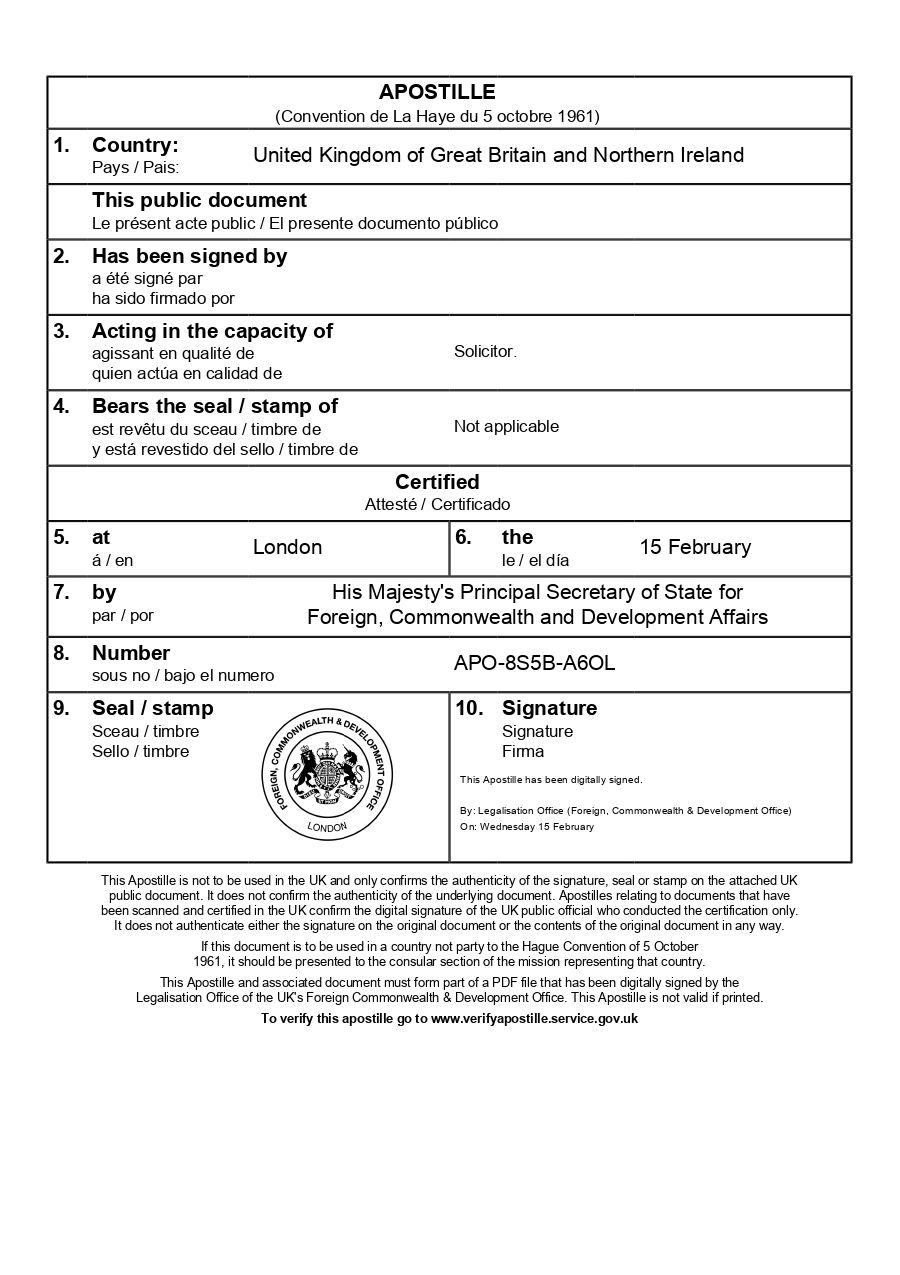
Whether you can apostille a scanned document or PDF depends on whether it contains a valid electronic signature and what the FCDO will accept. This guide explains when some scanned documents qualify for e-apostille, and what to do if your scan doesn’t meet the requirements.
Key points:
- Not all PDFs and scans qualify for e-apostille
- Electronic signatures determine whether a PDF can be apostilled directly
- Scanned documents without signatures need solicitor certification
- How to check if your scanned document will be accepted
Everything You Need for a Fast Legalisation Service
Your e-Apostille is issued directly by the UK Foreign, Commonwealth & Development Office (FCDO). Our team will verify the document and organise valid electronic solicitor certification to avoid delays.
Understanding PDFs and Scanned Documents
Understanding PDFs and Scanned Documents
A PDF can be either a digitally created document with an embedded electronic signature, or simply a scanned image of a paper document. The distinction matters significantly when it comes to e-Apostilles, as the FCDO can only apostille documents which contain a recognised embedded digital signature.
When a PDF Qualifies for the e-Apostille
A PDF qualifies for direct e-apostille if it contains a qualified or advanced electronic signature from an approved UK authority. At present, this will need to be added by a solicitor or notary. The electronic signature allows the FCDO to verify the document’s authenticity without additional certification.
When a Scanned Document Needs Certification
If your PDF is simply a scan or photograph of a paper document – even if that paper document has a wet-ink signature – it won’t qualify for e-Apostille without additional certification. Scanned documents lack the cryptographic security features needed for verification, so they must be certified by a UK solicitor or notary public before the FCDO can issue an e-Apostille.
Why the Difference Matters
The FCDO’s role is to certify that signatures, seals, and stamps on documents are genuine. With electronically signed documents, they can verify this through the digital certificates embedded in the PDF> With scanned documents, there’s no way to verify the authenticity of any signatures contained within the image.
Common Scenarios With Scanned Documents
Common Scenarios With Scanned Documents
Understanding which scenarios require additional steps can help you plan ahead and avoid delays.-
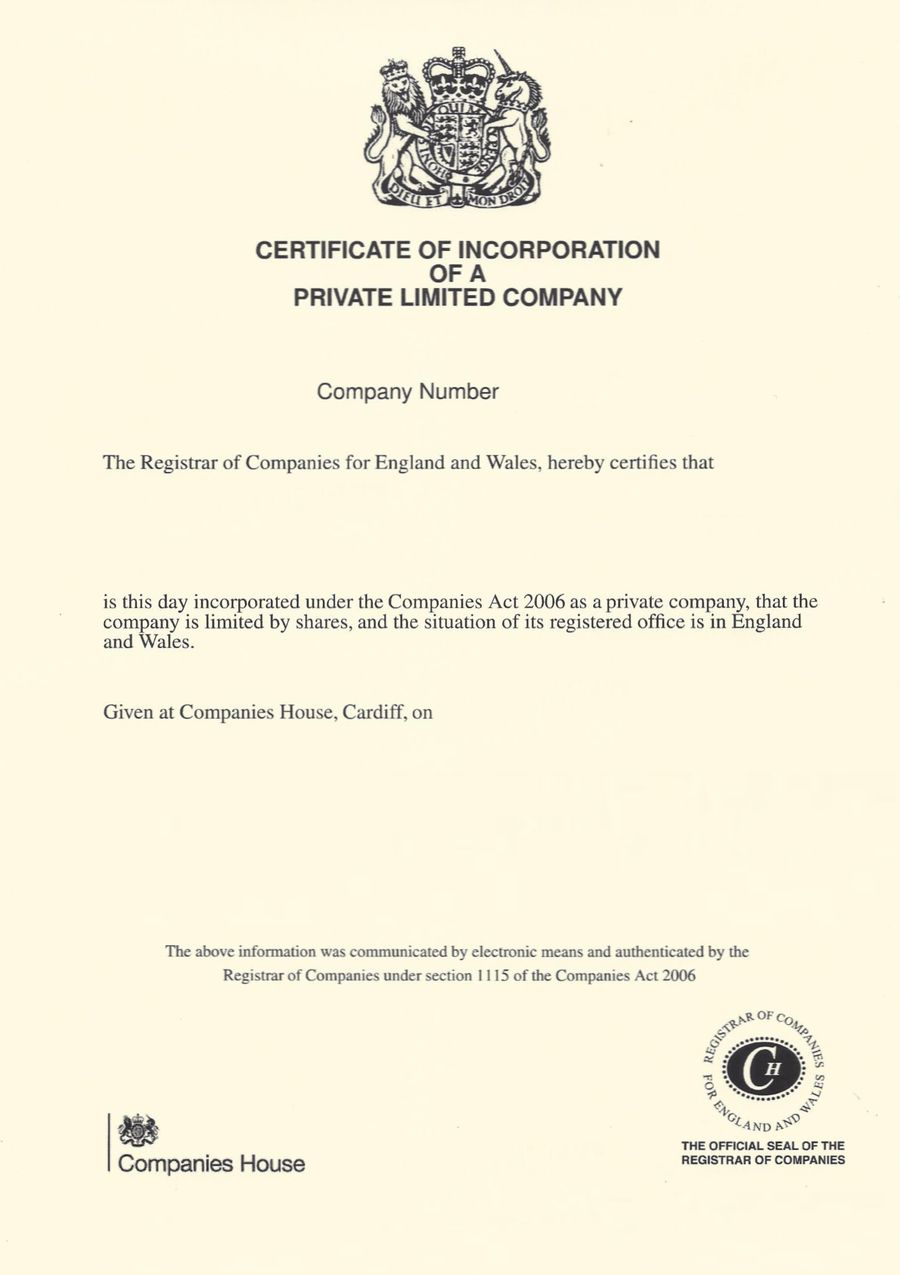
University degree certificates: If your degree certificate was originally issued as paper and you’ve scanned it, the scan alone won’t qualify for the e-Apostille. However, the scanned version can then be digitally certified by a solicitor or notary once the contents have been checked with the University.
Birth, marriage, and death certificates: Scanned copies of paper certificates from the General Register Office cannot be e-Apostilled nor issued with the paper apostille. These documents can currently only be legalised with the traditional paper apostille on the physical original version or an official replacement issued by the register office. If you no longer have the original, we can assist you with obtaining an official replacement.
Medical letters and reports: Most GP letters and hospital reports are issued as paper documents with wet-ink certification. It’s best practice for the paper apostille to be added to verify the wet ink signature of the issuing medical practitioner. If the NHS adopt a digtial certification system then the e-Apostille may be an option in the future.
Bank statements and financial documents: Statements downloaded from online banking will lack the qualified electronic signatures needed for e-Apostille. If you need these apostilled, a solicitor must certify them first. The same applies to scanned paper statements.
Employment contracts and references: These are typically created as basic PDFs, then printed and signed in wet-ink. Scans or electronically issued employment documents require electronic solicitor certification before they can be e-Apostilled.
What to Do If Your Scanned Document Needs Certification
What to Do If Your Scanned Document Needs Certification
If your PDF or scanned document doesn’t have a valid electronic signature, solicitor certification is the solution. We offer electronic solicitor certification and e-apostille services, which means we can often complete the entire process for you.
Here’s how the process works:
- You send us your scanned document or PDF electronically. We will need some form of verification of the scanned document. If we cannot verify the scan, we may need the original to be posted.
- Our solicitors check and certify an electronic version of the document. Certification statements will be added and a recognised form of digital certification will be applied that meets FCDO requirements.
- This certified document is then submitted for e-apostille. Both the certification and e-Apostille are delivered to you electronically.
The advantage of using electronic certification is speed and convenience.
There’s no need to arrange multiple appointments. The entire process – from your initial scan to receiving your completed e-apostille – can often be handled digitally, provided there is a means to verify the scanned version of the document.
If you’re unsure whether your document needs certification, we can review it and advise on the best approach. Sometimes documents that look official may still require certification.
How The e-Apostille Process Works
The process is simple. Follow the steps below and we will arrange the e-apostille for you.