How Do I Get a Document Electronically Signed?
How Do I Get a Document Electronically Signed?
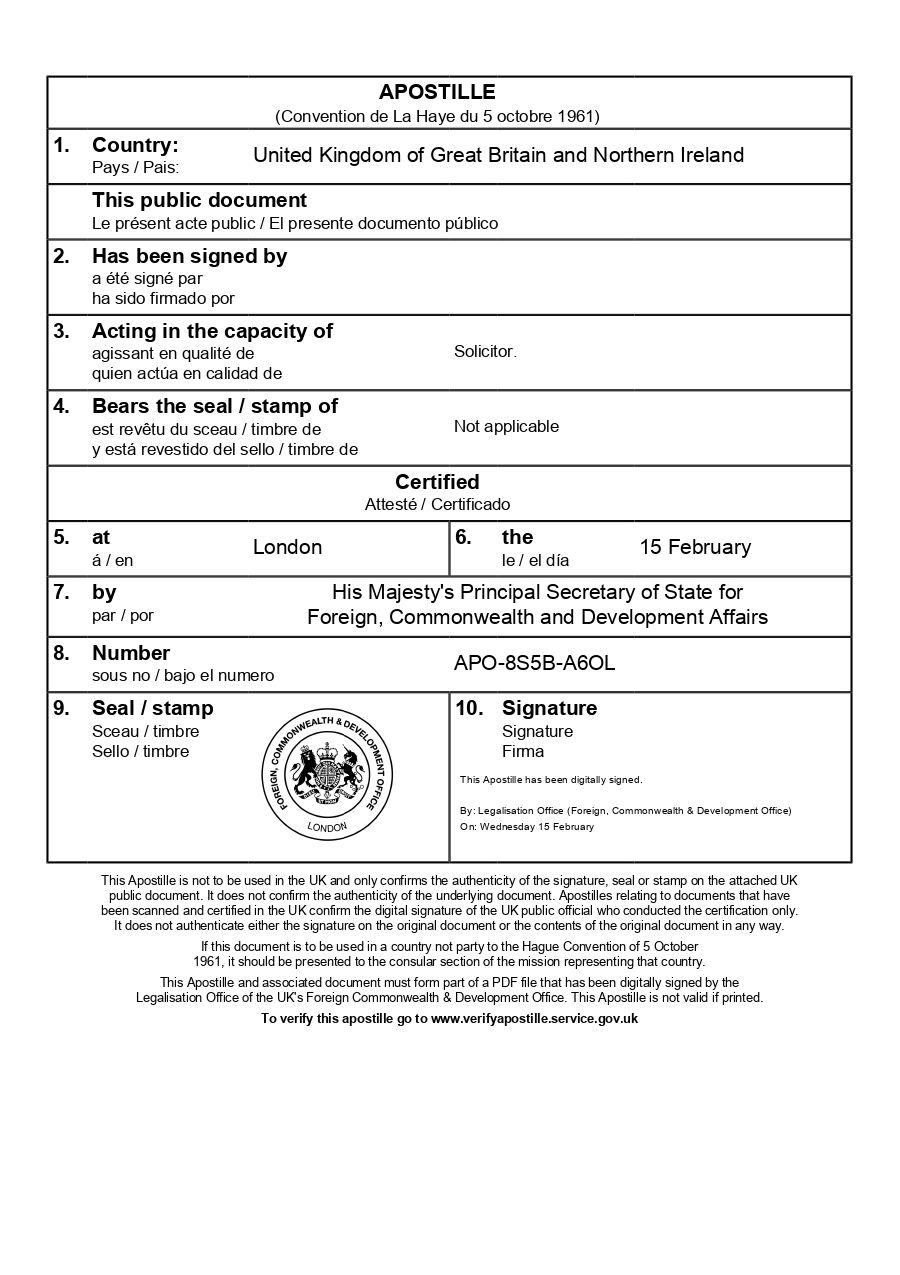
If you require an e-Apostille, your document needs an electronic signature. This guide explains the different methods for obtaining electronic signatures, which types qualify for e-apostille, and how to request electronically signed versions of common UK documents.
Key points:
- Different types of electronic signatures and their uses
- How to request electronically signed documents from UK authorities
- When to use a solicitor or notary for electronic certification
- How to verify an electronic signature once applied

Everything You Need for a Fast Legalisation Service
Your e-Apostille is issued directly by the UK Foreign, Commonwealth & Development Office (FCDO). Our team will verify the document and organise valid electronic solicitor certification to avoid delays.
Understanding Electronic Signature Options
Understanding Electronic Signature Options
Electronic signatures come in several forms, but not all are suitable for e-Apostille purposes. The FCDO requires qualified or advanced electronic signatures that meet specific security and verification standards.
Getting Solicitor or Notary Electronic Certification
Getting Solicitor or Notary Electronic Certification
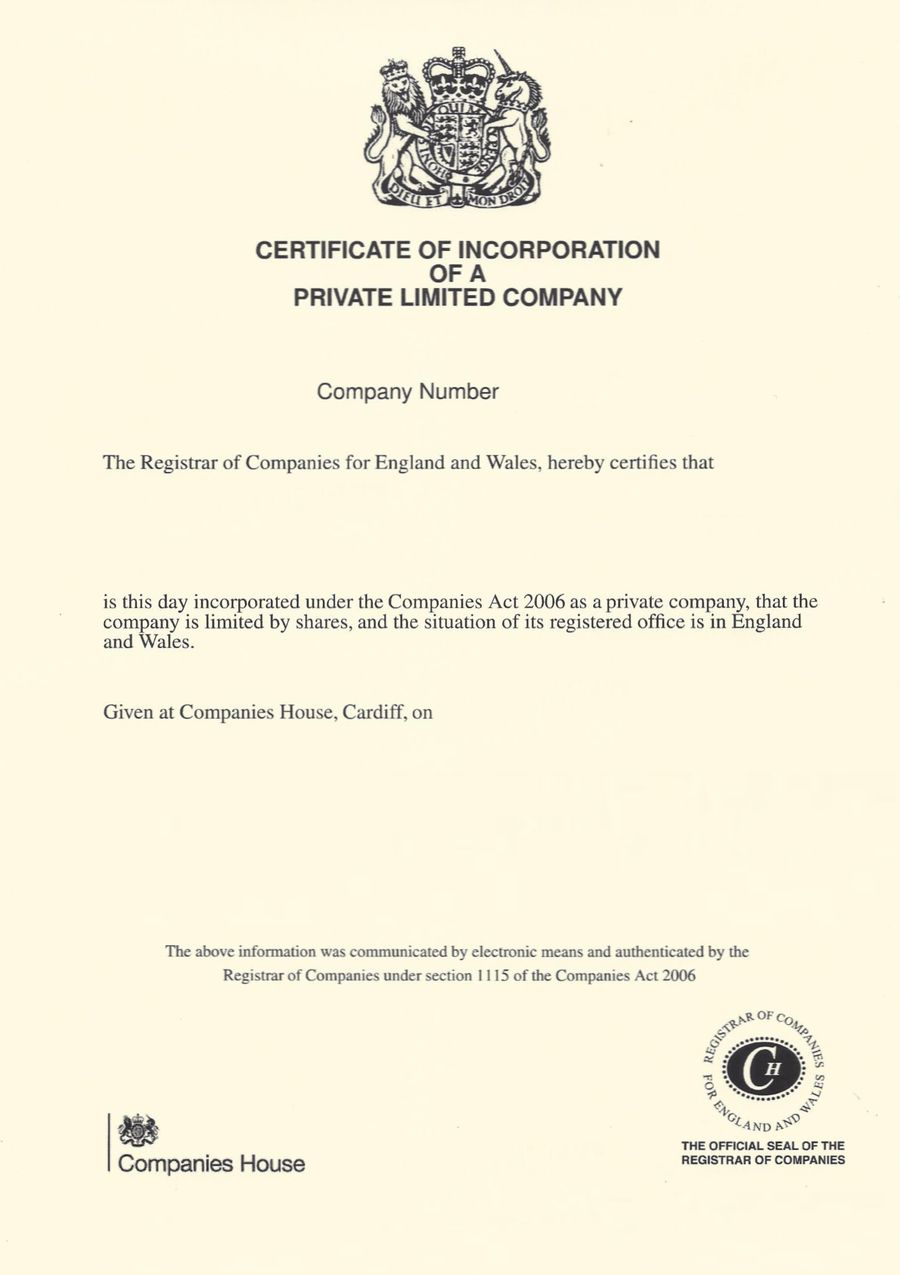
If your document doesn’t have a suitable electronic signature from the original issuing authority, you can have it certified by a solicitor or notary public who uses digital signatures.
Not all solicitors and notaries offer digital signature services, so it’s worth confirming this when you first contact them. We can organise the electronic solicitor certification for you.
Those who do use digital signatures typically work as follows:
Submit your document – Send your document to the solicitor, usually by email if the document can be verified online but you may need to post the document if not. They’ll review it to confirm it’s genuine and complete.
Solicitor creates certified digital document – The solicitor prepares a certified copy statement confirming they’ve seen the original or verified the document’s authenticity. This statement becomes part of the PDF.
Digital signature applied – Using their qualified or advanced electronic signature certificate, the solicitor signs the PDF. This embeds cryptographic data that proves their identity and confirms the document hasn’t been altered since signing.
Receive signed document – The solicitor returns the electronically signed PDF to you, usually by email. You can then submit this for e-apostille. If using a servive provider like us, we’ll handle the e-Apostille application with the FCDO too.
How The e-Apostille Process Works
The process is simple. Follow the steps below and we will arrange the e-apostille for you.