I Have Forgotten My Password or Do Not Know My Login Details
I Have Forgotten My Password or Do Not Know My Login Details
Losing access to your account is frustrating when you need to track orders or download invoices. This guide explains how to recover your password, retrieve login details, and regain access to your e-Apostille account.
Key points:
- Reset your password quickly using the automated recovery system
- Your email address is your account username
- Contact us if the password recovery doesn’t work

Everything You Need for a Fast Legalisation Service
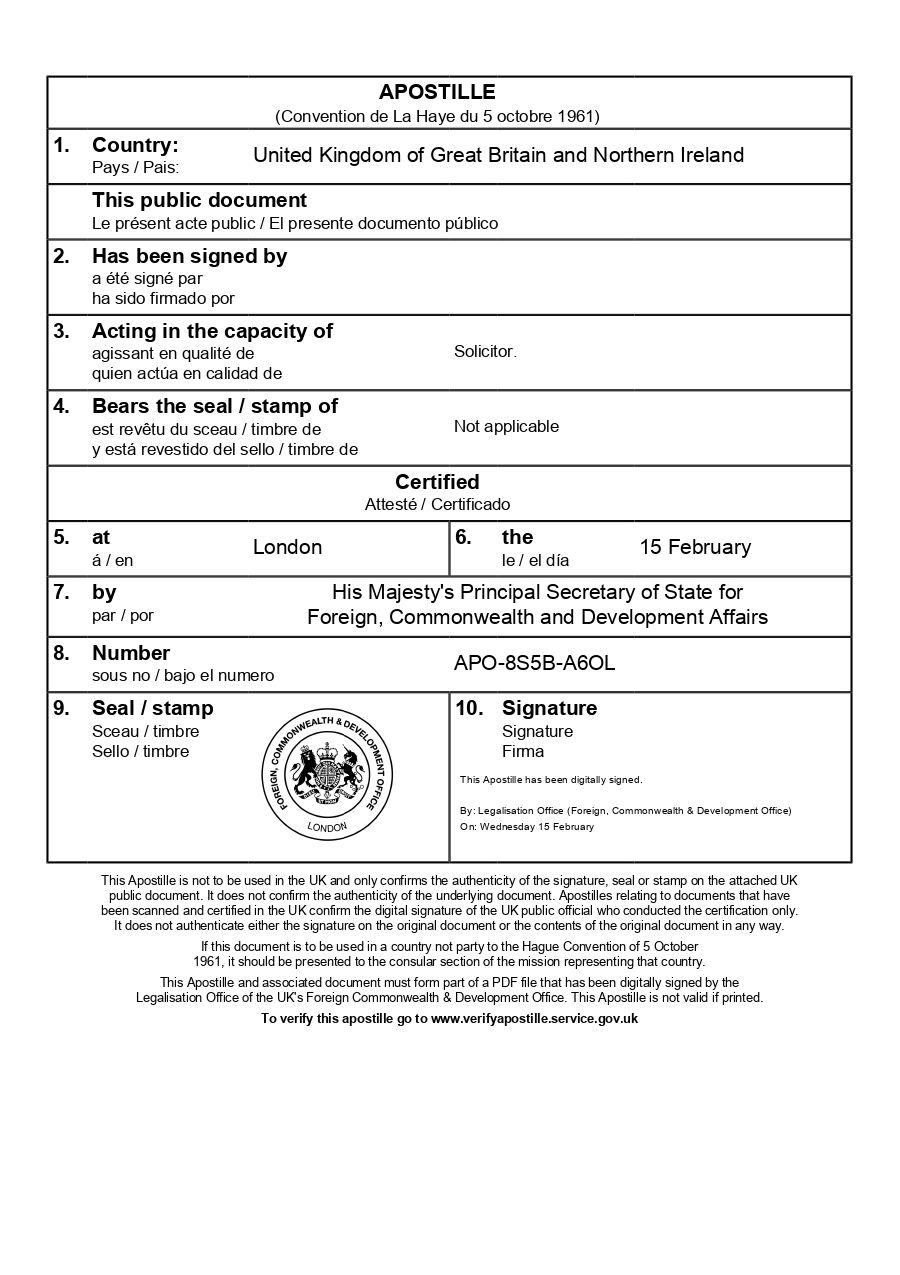
Your e-Apostille is issued directly by the UK Foreign, Commonwealth & Development Office (FCDO). Our team will verify the document and organise valid electronic solicitor certification to avoid delays.
Resetting Your Password
Resetting Your Password
The quickest way to regain account access is using the automated password reset system. Recover your password here and enter the email address you used during checkout.
You’ll receive a password reset email within a few minutes containing a secure link. Click the link in the email to set a new password. The reset link expires after a few hours for security, so use it promptly after receiving it.
Choose a strong password that you haven’t used elsewhere. Your password should be at least 8 characters and include a mix of letters and numbers. Avoid common passwords or easily guessed information like birthdays.
If You Don’t Receive the Reset Email:
Check your spam or junk folder first as password reset emails are sometimes filtered incorrectly. If the email doesn’t appear within 10 minutes, try the password reset process again to ensure you entered your email address correctly.
Still no email? Contact us with your order number. We can verify your account details and help you regain access.
What Is My Username?:
Your username is simply the email address you used when placing your order. There’s no separate username to remember, just use your email address in the login field.
If you’re unsure which email address you used, check for order confirmation emails in your inbox. The order confirmation email was sent to the address associated with your account.
How The e-Apostille Process Works
The process is simple. Follow the steps below and we will arrange the e-apostille for you.