What Is an Advanced or Qualified Electronic Signature?
What Is an Advanced or Qualified Electronic Signature?
Advanced and qualified electronic signatures (AES and QES) are secure types of digital signatures that use cryptographic technology to prove a signer’s identity and protect documents from tampering. This guide explains what these signatures are, how they differ from a simple electronic signature (SES), and why they matter for e-Apostilles.
Key points:
- What makes a signature “advanced” or “qualified”
- The difference between simple, advanced, and qualified electronic signatures
- Why only certain signature types work for e-apostilles

Everything You Need for a Fast Legalisation Service
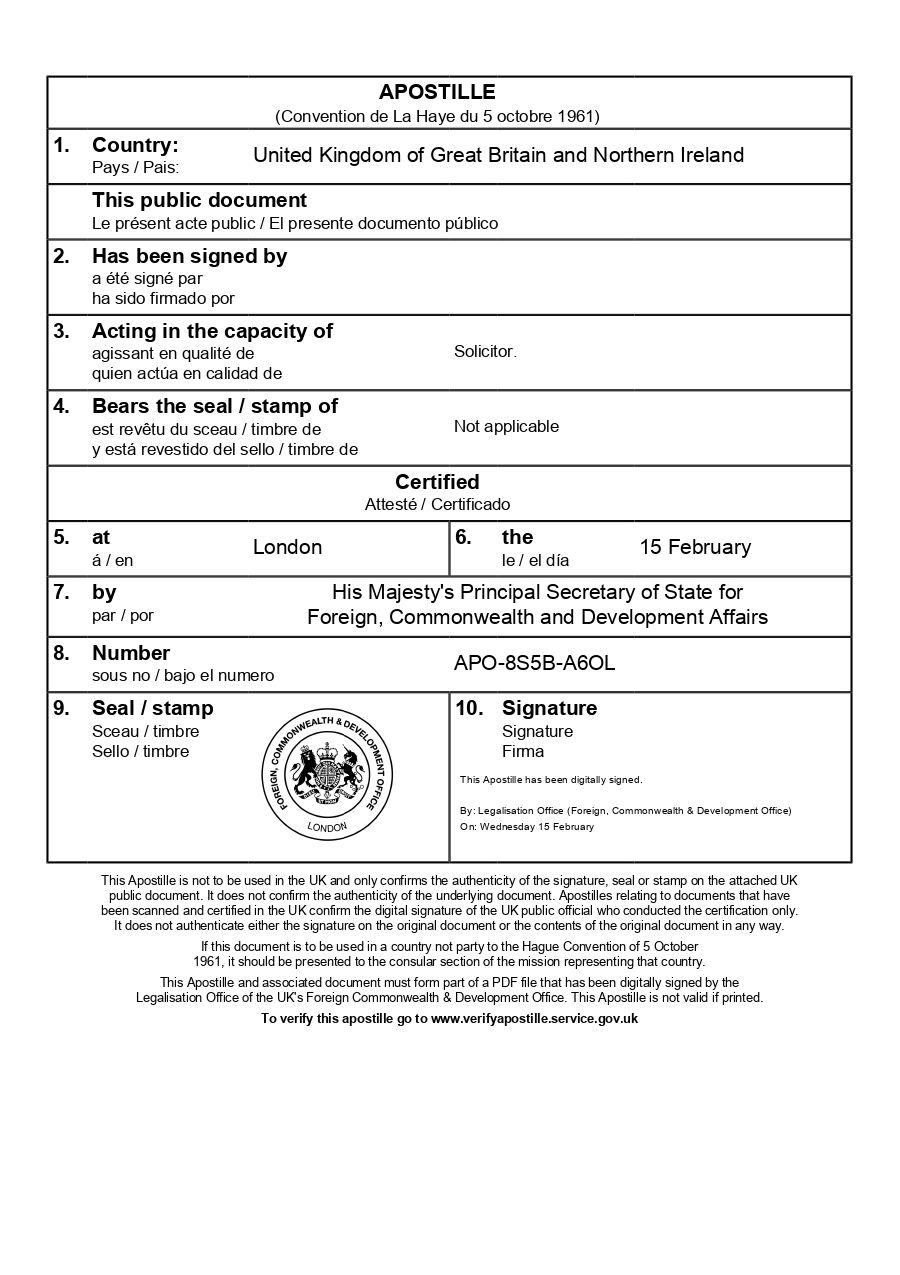
Your e-Apostille is issued directly by the UK Foreign, Commonwealth & Development Office (FCDO). Our team will verify the document and organise valid electronic solicitor certification to avoid delays.
Understanding Electronic Signature Types
Understanding Electronic Signature Types
Not all electronic signatures are created equal. In the UK, electronic signatures are classified into three distinct categories based on their security features and the technology used to create them. For the purpose of obtaining an e-Apostille, only the highest two categories (advanced and qualified electronic signatures) meet the FCDO’s requirements.
What Makes a Signature “Advanced” or “Qualified”
What Makes a Signature “Advanced” or “Qualified”
The technical and legal requirements for advanced and qualified signatures are specific and demanding, which is why they’re trusted by the FCDO for e-Apostille applications.
Unique linking to the signer: The signature must be created using data that only the signer can control, such as a private encryption key protected by passwords or security tokens. This ensures no one else can create signatures on behalf of the signer.
Unique linking to the document: The signature must be mathematically connected to the specific document being signed. If even a single character in the document changes after signing, the signature becomes invalid. This tamper-evident feature is fundamental to document security.
Identification of the signer: Advanced signatures must reliably identify who signed the document. Qualified signatures go further, requiring the signer’s identity to be verified by a qualified trust service provider before the signing certificate is issued.
Signature creation device security: The technology used to create the signature must meet security standards that prevent unauthorised use or duplication. For qualified signatures, the signature creation device must meet even higher security requirements certified under European standards.
Certificate authority approval: Qualified signatures specifically require certificates from trust service providers who have been approved and supervised by national regulatory bodies (in the UK, this is overseen by regulatory frameworks aligned with eIDAS). These providers maintain secure infrastructure and undergo regular audits.
Why These Signatures Matter for e-Apostilles
Why These Signatures Matter for e-Apostilles
The FCDO requires advanced or qualified electronic signatures for the e-Apostille because they need to verify that documents have actually been signed by a recognised legal official in the UK. Basic electronic signatures lack the security features necessary for linking the signature to the identify of the signatory.
When you submit a document with a qualified or advanced electronic signature for the e-Apostille, the FCDO can verify the signature through the certificate authority that issued it. They can confirm who signed the document, when they signed it, and whether the document has been altered since signing. This verification process happens digitally and usually instantly, which is why e-Apostilles can be issued much faster than traditional paper apostilles.
Without these high-security signatures, the FCDO cannot verify signature authenticity remotely, which is why basic electronic signatures or scanned wet-ink signatures don’t qualify for the e-Apostille without additional, valid electronic certification.
How The e-Apostille Process Works
The process is simple. Follow the steps below and we will arrange the e-apostille for you.
Frequently Asked Questions
Frequently Asked Questions
Related Guides
Input note — Related Guides:
• Choose 3 evergreen pages closely relevant to the topic.
• Use internal URLs only, not external.
• Titles must match the target page H1 or core keyword.
• Descriptions should be benefit-focused, not sales-focused (1–2 sentences).
• Card order: most common → helpful next → deeper topic.